Table of Contents
Some time ago, I started developing a new app: PawsUnited Walk. My original plan was to tidy things up a bit and move code I use across multiple projects into a dedicated framework. But it turned out to be quite a bit more than that.
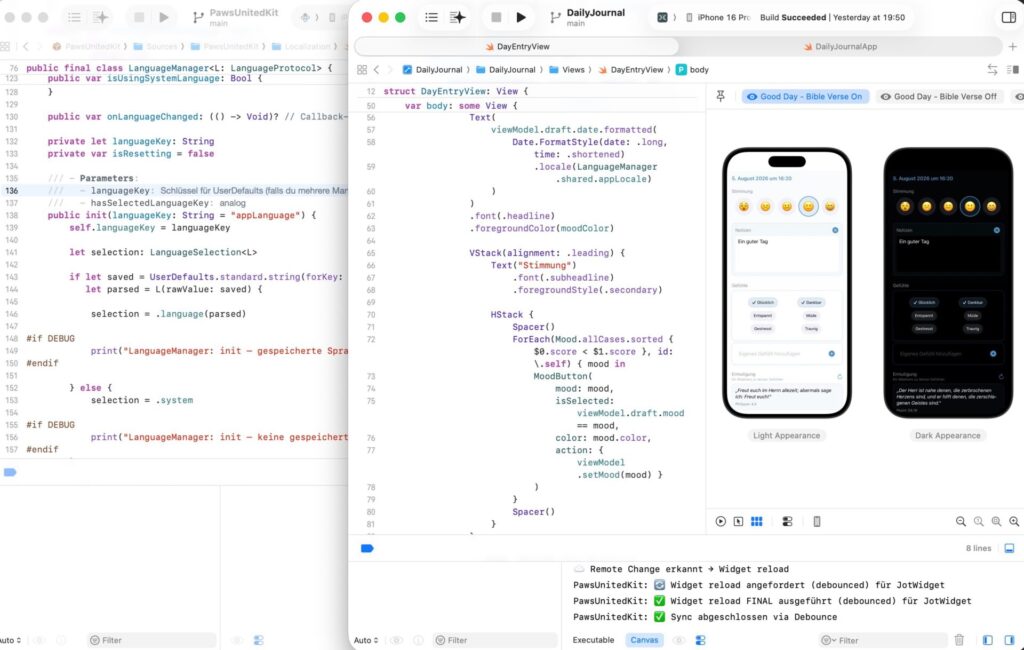
Suddenly I was in the middle of a small modernization of my apps: PawsUnitedKit took shape, older parts were reworked, ObservableObject was replaced by @Observable, and at some point the decision was on the table to consistently target iOS 18+.
And along the way, I noticed something else—how much programming has changed, and how much my own way of programming has changed too.
PawsUnitedKit and the Switch to @Observable
My initial goal was simply to make code I use across multiple projects available centrally in my own PawsUnitedKit. But while extracting and cleaning things up, I kept noticing more and more opportunities for improvement.
Among other things, I migrated my apps from ObservableObject to the modern Observation framework with @Observable. ObservableObject was long the standard way to make data changes visible in a SwiftUI app. With @Observable, things become leaner and simpler — but the switch is rarely just a single line of code.
Once I changed something in one place, the change rippled through multiple parts of PawsUnitedKit and eventually into the apps themselves. Along the way, I also had to take a closer look at @MainActor—that is, which parts of my app need to run on the execution context reserved for the user interface.
That forced me to look more carefully. And that’s exactly what I enjoy about refactoring like this (even if it sometimes takes time and nerves…): a seemingly small technical change makes me stop and ask what else around it could be improved or simplified.
In the very first draft, my apps still targeted older iOS versions. For various reasons, I then decided to focus on iOS 18+. That suddenly made a number of modern features much more compelling.
What started as a small cleanup ended up setting quite a few things in motion.
How I Learned to Program
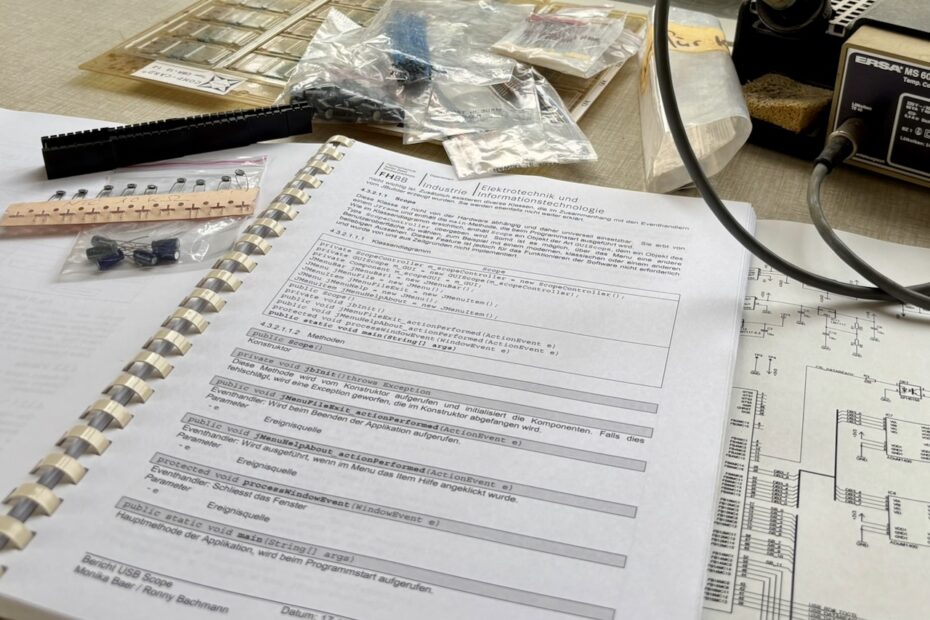
When I think about how I program today, I sometimes have to smile. I started out with Assembler at university—does anyone still remember that? 😉 That’s now over 20 years ago—and yes, there was quite a lot I had to relearn and brush up on. But I’ve always enjoyed it, so no drama. 😄
Other languages followed—C, C++, Java. I also gained experience with Verilog, which was something quite different again: while conventional programming languages execute instructions essentially one after another (serially), Verilog describes hardware where many things happen simultaneously (in parallel).
Back then, you had to know very precisely what was happening under the hood. Memory wasn’t something the system would just take care of. You had to think carefully about what was in memory, how data was being processed, and what your code was actually doing.
The compiler was also far less helpful than it is today. Tracking down bugs could be tedious, and when you got stuck, there was really only one thing to do: reach for the manual.
You looked things up, tried something, looked things up again, and slowly worked your way through.
AI, in any meaningful sense, simply didn’t exist yet.
What Has Changed Since Then
Today, programming is a completely different experience.
The compiler helps me enormously—catching errors and surfacing problems early. Modern programming languages and frameworks take care of many things I used to have to handle myself. Memory management, for instance, is something I rarely have to think about anymore.
And then, of course, there’s AI.
I now develop my iOS apps with modern tools and with the support of AI. I no longer have to search through manuals for every question or wade through countless forum posts. I can ask the AI, get a suggested approach, and then build on it from there.
That changes the entire development process.
But a good answer isn’t automatically a correct answer.
Still Wanting to Understand
I think it still matters to actually understand what you’re programming.
Even when an AI tool provides a solution, I look at it and try to make sense of it rather than just copying it over. Why does this code work? What does it actually do? Is there perhaps a better or simpler solution—which, honestly, is sometimes the case?
Working on PawsUnitedKit in particular has shown me how important that understanding is. When I’m merging code from multiple projects or modernizing an existing structure, it’s not enough for something to simply work. I want to understand why it works—and what effect a change in one place might have somewhere else.
That’s the only way I can improve—and actually learn something.
In a way, my role as a developer has shifted too. In the past, I had to know much more myself and implement much more myself. Today, I can hand off part of that work to tools and AI. But that means I need to be all the better at judging what those tools deliver—and whether the result actually makes sense.
From Assembler to AI
Looking back at the journey, the path is really quite remarkable:
Assembler → C → C++ → Java → Swift/SwiftUI → AI
From code where you had to think carefully about memory and hardware, to tools that can today help me build entire applications.
It’s not that one simply replaced the other—rather, the new builds on the old.
The experience from those earlier years still helps me today: understanding code, recognizing connections, and knowing how to ask the AI the right questions in the first place. At the same time, modern languages, frameworks, and AI open up possibilities I couldn’t have dreamed of back then.
For me, both belong together—the experience of the past and the possibilities of today.
And perhaps that’s the most remarkable shift in programming: it’s not just the languages and tools that have changed—it’s the way we work with them.
My Apps
All of this has led to several projects of my own. If you’d like to see what I’ve made, you’re welcome to check out my apps PawsUnited Go! and Jot Diary on the App Store.
And the next project is already underway: PawsUnited Walk is meant to be all about walks with your dog—a kind of on-the-go diary. More on that later. 😉
If you program yourself, or if you’re curious about how my apps come together, I’d love to hear from you.
●
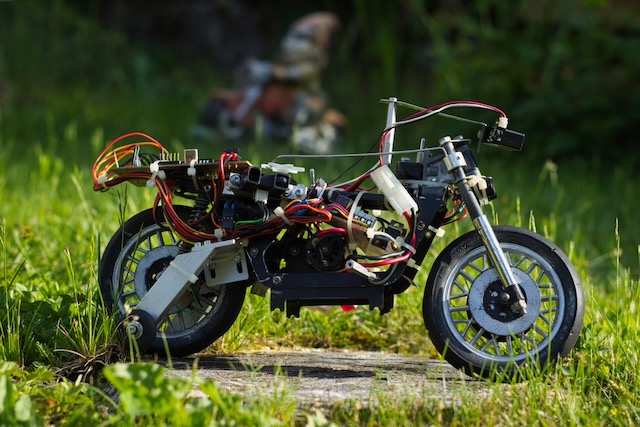
And finally, a little nostalgia 🙂—my Crazy Bike. A self-driving model motorcycle that had to navigate a course using only sensors. There was quite a bit of programming involved there too, mostly on an Atmel ATmega—which exact one, I honestly can’t remember anymore. 😄